Remix a rig
Pick an existing Spine rig and describe a new look. The skeleton and every animation stay the same — only the textures change.
Step 2 · Describe the new look
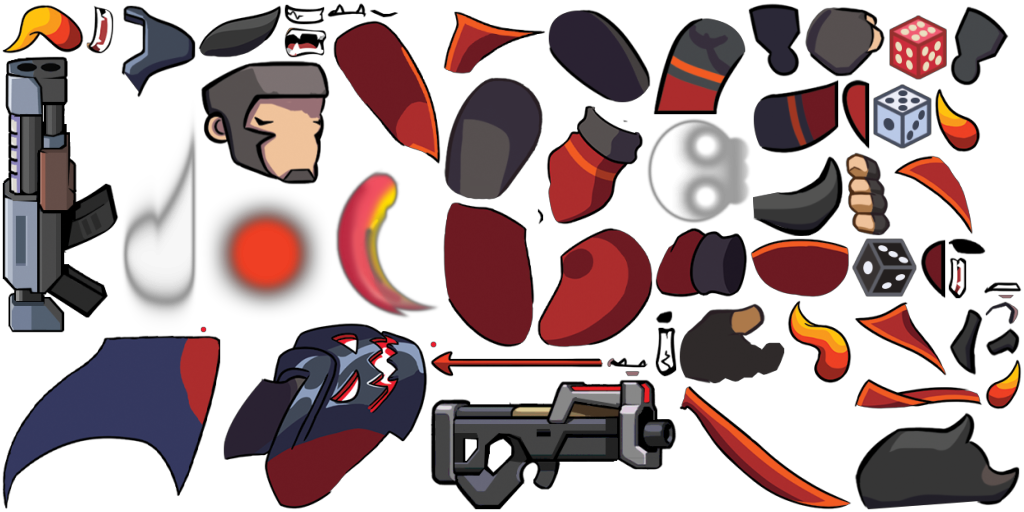
Textures are repainted to fit the existing atlas regions, so every animation keeps working.
Tweak the rig
Live in your browser, no model calls. Run a remix to save edits into its skeleton file.
Auto-tweak
Run a remix first: auto-tweak compares it with the original rig.
#ffffff
Off
Recolors the darks, keeps highlights
100%
Transform
100%
100%
Once your remix finishes, you can describe a new animation and Muse keyframes it on the rig's bones.
131 bones·102 slots
aim_off0.0saim_on0.0seffect_off0.0shitted0.2shitted_skill0.3spose1.3srolling0.3srolling_start0.3sship_sit1.0sw1_appear6.6sw1_attack0.1sw1_crouch1.0sw1_dance13.0sw1_die0.6sw1_fall0.5sw1_idle2.0sw1_jump0.5sw1_landing0.4sw1_parasailing1.0sw1_reload1.0sw1_run0.6sw1_runback0.7sw1_take0.3sw1_turnhead1.4sw1_victory1.3sw1_walk0.0sw1_walkback0.0sw1_wall_hug0.5sw2_appear6.6sw2_attack0.1sw2_crouch1.0sw2_dance13.0sw2_die0.6sw2_fall0.5sw2_idle2.0sw2_jump0.5sw2_landing0.4sw2_parasailing1.0sw2_reload1.0sw2_run0.6sw2_runback0.7sw2_take0.3sw2_turnhead1.4sw2_victory1.3sw2_walk0.0sw2_walkback0.0sw2_wall_hug0.5s
1.00×
Previewing the original rig. Your remix will appear here.