Remix a rig
Pick an existing Spine rig and describe a new look. The skeleton and every animation stay the same — only the textures change.
Step 2 · Describe the new look
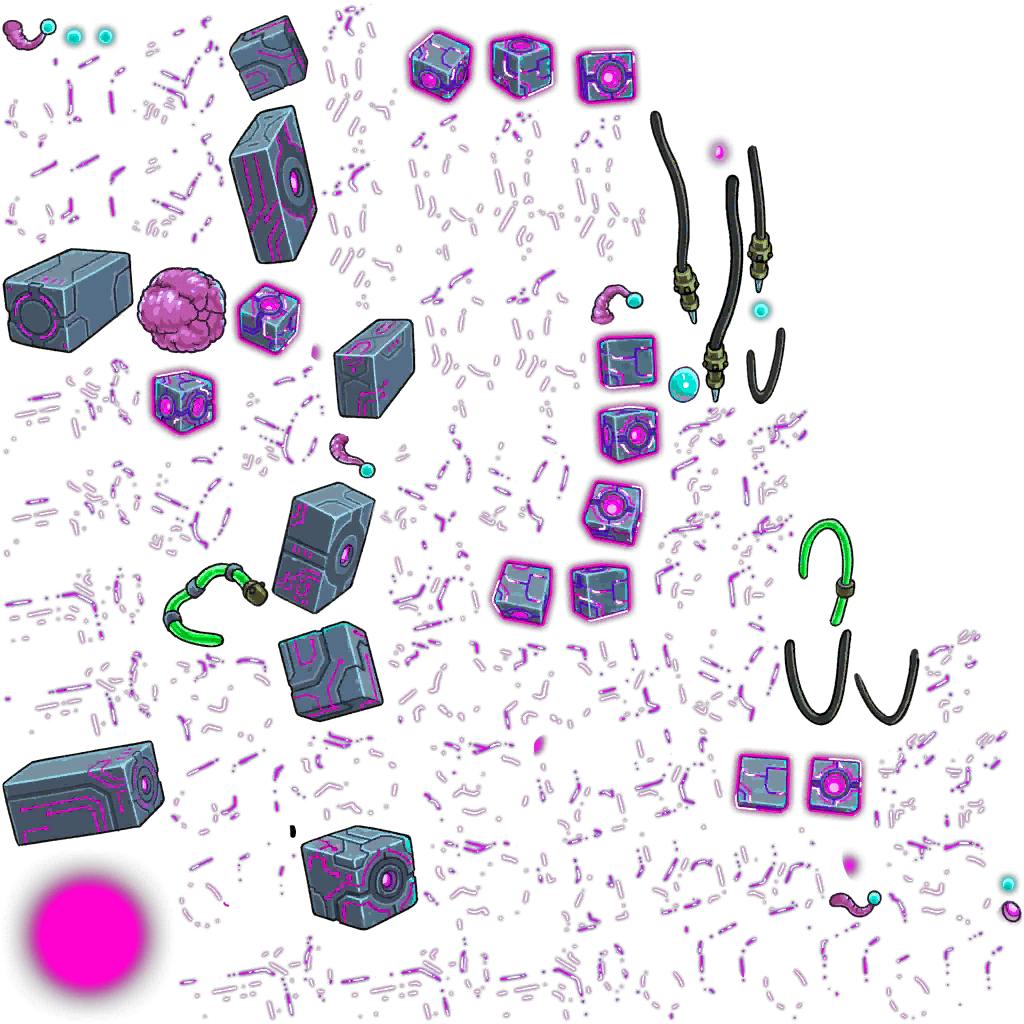
Textures are repainted to fit the existing atlas regions, so every animation keeps working.
Tweak the rig
Live in your browser, no model calls. Run a remix to save edits into its skeleton file.
Auto-tweak
Run a remix first: auto-tweak compares it with the original rig.
#ffffff
Off
Recolors the darks, keeps highlights
100%
Transform
100%
100%
Once your remix finishes, you can describe a new animation and the AI keyframes it on the rig's bones.
66 bones·44 slots
Original upload
r90_appear4.9sr90_atk_cube1.8sr90_atk_cure2.0sr90_atk_cure_pre1.0sr90_atk_cure_rec1.0sr90_atk_face1.5sr90_atk_ground2.0sr90_atk_run1.8sr90_atk_run_loop0.3sr90_atk_run_pre0.7sr90_atk_run_rec0.8sr90_atk_throw_one2.0sr90_atk_throw_three2.4sr90_atk_throw_two2.2sr90_death3.5sr90_idle2.0sr90_idle_cure2.0sr90_melee1.7sr90_move2.0sr90_pose0.0sr90_remodeling1.8sr90_remodeling_short0.8sr90_split2.8sr90_split_loop1.6sr90_split_pre1.1sr90_split_rec0.4s
1.00×
Previewing the original rig. Your remix will appear here.